The Quest of Building OpenCV 3.2.0 Debian Packages on Raspberry Pi Zero W
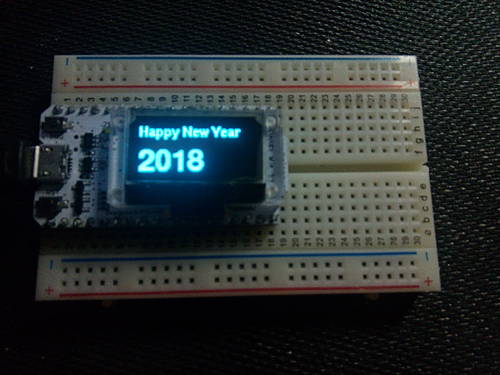
The newest members in my toy collection are a Raspberry Pi Zero W (paid link) and a NoIR Camera Module (paid link), purchased in Dec 2017.
Recently, I witnessed an impressive Contour Detection demo at MoCoMakers meetup.
I read their source code, and it has a dependency on cv2 Python package.
Therefore, the first step to get it working on my RPi Zero would be installing OpenCV that provides cv2 package.
While Raspbian Stretch offers a python-opencv package, it is version 2.4.9 released in 2014, and it only works with Python 2 but not Python 3. Since I'm starting from scratch, I wanted to develop on newer platforms: OpenCV 3.x and Python 3.
Many online tutorials suggest compiling OpenCV from source code. There are also a few sites offering pre-compiled tarballs, but these are either compiled for the Raspberry Pi 3, or built for Raspbian Jessie; neither would be compatible with my Raspberry Pi Zero W running Raspbian Stretch. Therefore, I started my quest to build OpenCV 3 for Pi Zero.
Debian Package > Source Code
When I first learned Linux, the standard process of installing software is wget, tar xzvf, ./configure, make, make install.
Today, this is no longer recommended because software installed this way is difficult to remove and could cause conflicts.
Instead, it is recommended to install everything from Debian packages.